

ListView
<ListView>是一个在垂直滚动列表中显示项目的UI组件。要设置列表显示单个项目的方式,您可以使用<template>元素。
html
<ListView :items="listOfItems" @itemTap="onItemTap">
  <template #default="{ item, index, even, odd } : { item: string, index: number, even: boolean, odd: boolean }">
    <!-- Shows the list item label in the default color and style. -->
    <StackLayout>
      <Label :text="item" />
      <Label :text="`Item index ${index}`" />
      <Label :text="`Is event ${even}`" />
      <Label :text="`Is odd ${odd}`" />
    </StackLayout>
  </template>
</ListView>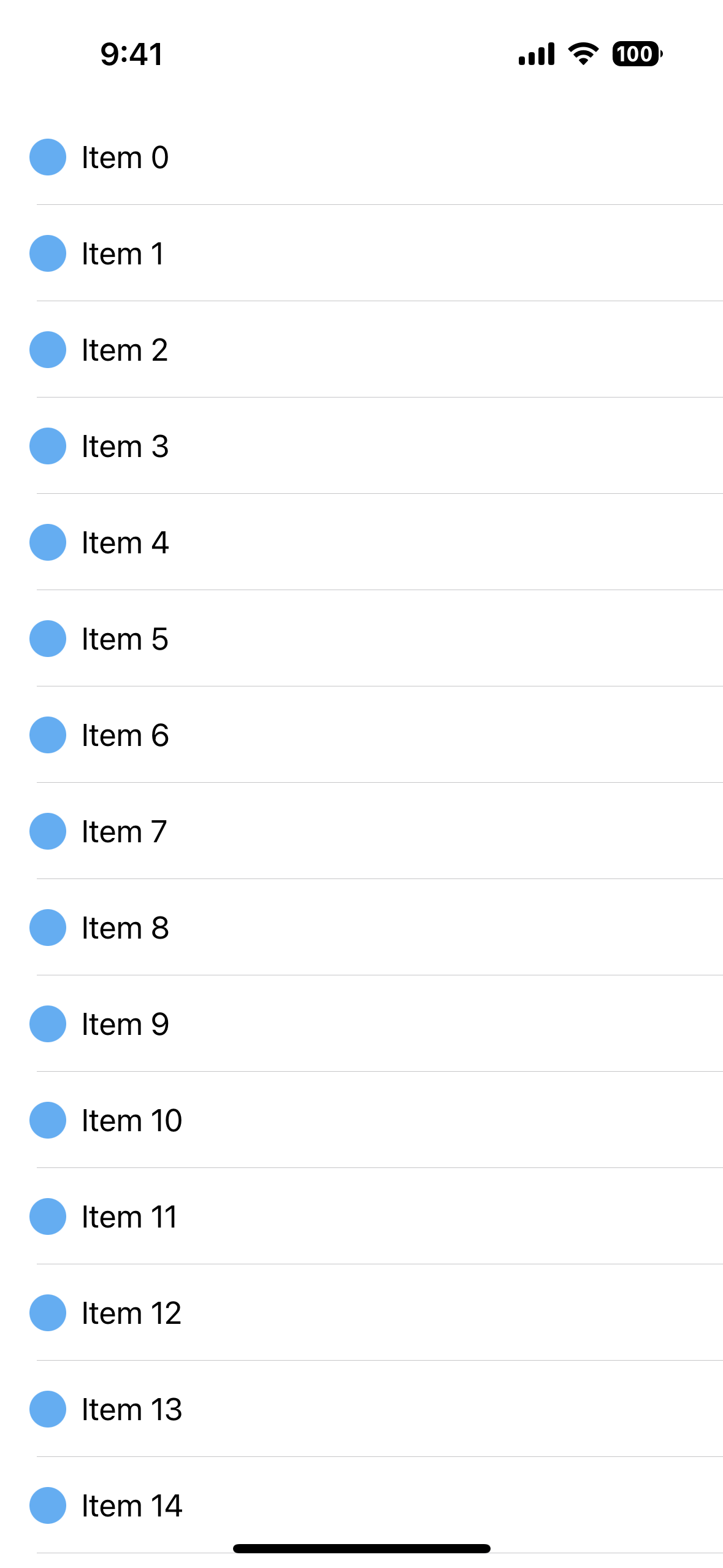
使用<ListView>多个<template>插槽
这个template用于定义每个列表项在屏幕上的显示方式。
如果您需要以不同于其他列表项的方式可视化一个或多个列表项,可以将它们括在其他列表项中<template>块使用v-slot和itemTemplateSelector功能。
vue
<script lang="ts" setup>
import { ListItem } from "nativescript-vue";

function itemTemplate(args: ListItem<CustomType>){
  return args.item.type === "header" ? "header" : "default";
}

</script>

<template>
  <ListView
    :items="listOfItems"
    :itemTemplateSelector="itemTemplate"
  >
    <template #default="{ item }">
      <Label :text="item.text" />
    </template>

    <template #header="{ item }">
      <!-- For items with an type header, shows the label in red. -->
      <Label :text="item.text" color="red" />
    </template>
  </ListView>
</template>
重要提示
<ListView>仅创建必要的视图以在屏幕上显示当前可见的项目,并重用滚动时已经离开屏幕的视图。这个概念被称为查看回收并且通常用于移动应用程序中以提高性能。
要在ListView中使用多个事件侦听器,可以使用以下命令将当前项传递给侦听器@tap="onTap(item, $event)".
如果你只需要处理整个电池的水龙头,你可以使用itemTap事件,其中包含已点击项目的索引和列表中的实际项目。
javascript
onItemTap(event) {
  console.log(event.index)
  console.log(event.item)
}
ListView道具
| Name | Type | Description |
|---|---|---|
items | Array<any>,Ref<Array<any>>,ObservableArray<any> | 要显示的一系列项目<ListView>. |
itemTemplateSelector | function(data:ListItem) | A function to be called when selecting the template for the item. |
separatorColor | Color | 设置分隔线颜色。设置为transparent将其删除 |
模板作用域插槽
模板收到ListItem<T> type object that is composed of the following properties.
| Name | Type | Description |
|---|---|---|
item | any | Item of array. |
index | number | Index of the current item. |
even | boolean | true if the index of the current item is even. |
odd | boolean | true如果当前项目的索引是奇数 |
活动
| Name | Description |
|---|---|
itemTap | 当一个项目在<ListView>被点击。要访问点击的项目,请使用event.item. |
完整的文档
原生组件
| Android | iOS |
|---|---|
android.widget.ListView | UITableView |